Dataverse Workbench
Bulk Dataverse imports that are hard to get wrong: dry run first, canary writes, resumable commits.
A locally hosted .NET tool for browsing, validating and importing data in any Dataverse environment my account can reach, built so that a bulk write cannot happen by accident.
The problem
Data migration into Dataverse is where Power Platform projects quietly go wrong. The usual tools either hide what they are about to do or make it easy to fire a large write at the wrong environment with the wrong mapping. A failed row in the middle of a batch, a throttled request, or an update that silently creates a record instead of changing one can leave a customer's data in a state nobody can describe afterwards.
I also kept needing the same read-only jobs on every engagement: look at a table's real metadata, page through its data with a proper filter, and check it against a set of data quality rules before anyone touches it.
My approach
I built one tool with a clear line between reading and writing.
- Reading is the default. Sign-in is delegated through MSAL, so the tool sees exactly what my security roles allow. It only accepts an environment returned by Microsoft's Global Discovery Service, so it cannot be pointed somewhere I lack access to.
- Validation is data, not code. Rule files are JSON with a fixed set of rule types and condition operators. A rule file can express
required,regex,unique,dateRangeand more, but it can never execute code. - Writing is a gated flow. Upload, map, dry run, commit. Column matching is exact once case and punctuation are ignored, commit is only enabled for the plan the dry run described, and confirming requires typing the table name.
- Writes are defensive at the protocol level. Batches carry no changeset, so each row is its own transaction. Updates are sent with
If-Match: *so they can never silently create a record. Throttling responses honourRetry-After. - Interruptions are expected. Written rows go to an append-only journal flushed to disk, so a killed commit continues where it stopped.
- Canary commits. A dry run cannot catch everything the Web API rejects about the shape of a write, so I commit a handful of rows first, check what landed, then continue.
Architecture
A single ASP.NET Core process serves a thin JavaScript front end and a JSON API, so anything the page does can also be scripted.
- Auth: MSAL delegated sign-in with a DPAPI-encrypted token cache on Windows, falling back to in-memory tokens in a container.
- Discovery and metadata: the Global Discovery Service lists environments;
EntityDefinitionsmetadata drives table browsing, rule execution and column mapping. - Validation engine: loads JSON rule files, builds a minimal
$select, pages with@odata.nextLink, aggregates findings and exports them. CSV export escapes formula characters so customer data cannot execute in Excel. - Import pipeline: a forward-only spreadsheet reader, a mapping step, a dry-run resolver for lookups and choices, then a batch writer with retry and a durable journal.
- Schema migration: reads a table blueprint from a source environment, diffs it against the target and plans the creates, refusing changes Dataverse cannot make afterwards, such as ownership type.
- Packaging: runs with
dotnet runor as a Docker container using device-code sign-in.
Key decisions
- 01
A fixed operator set instead of an expression language for rules
- Context
- Validation rules need conditions such as only requiring a postcode for UK accounts, and rule files are written by hand and shared.
- Decision
- Conditions are leaves of field plus operator, nested with all, any and not. Comparisons try numeric, then date, then string.
- Trade-off
- Some complex checks cannot be expressed, but a rule file can never execute code and every rule behaves predictably.
- 02
No changeset in import batches
- Context
- OData $batch can wrap operations in a changeset so they succeed or fail together.
- Decision
- Batches are sent without a changeset, so each row is its own transaction and a single bad row does not roll back its neighbours.
- Trade-off
- A batch can partially succeed, so per-row results must be parsed and journalled, which the import flow does.
- 03
Updates always carry If-Match: *
- Context
- A PATCH to a record id that does not exist creates a new record in Dataverse by default.
- Decision
- Every update is sent with If-Match: * so it fails instead of silently creating.
- Trade-off
- Upsert-style imports need an explicit mode, but an update can never add unexpected records.
- 04
Commit is bound to a specific dry run
- Context
- It is easy to change a mapping after checking it and then commit something that was never reviewed.
- Decision
- Commit is only enabled for the dry run id that described the current plan; editing the plan discards the dry run and relocks commit.
- Trade-off
- An extra dry run after every change, which is cheap compared with an unreviewed write.
- 05
Only environments from discovery are accepted
- Context
- The tool could accept any Web API URL typed by the user.
- Decision
- Selection only accepts an environment that appeared in the Global Discovery Service list for the signed-in account.
- Trade-off
- No ad hoc URLs, but the tool cannot be pointed at an environment the user has no access to.
Code highlights
Batch writes that respect Dataverse throttling
Services/DataverseWriter.cs
for (var attempt = 1; ; attempt++)
{
    var token = await _auth.GetAccessTokenAsync(environment.ApiUrl, ct);

    using var request = new HttpRequestMessage(HttpMethod.Post, $"{BaseUrl}$batch");
    request.Headers.Authorization = new AuthenticationHeaderValue("Bearer", token);
    // ...
    using var response = await _http.SendAsync(request, ct);
    var body = await response.Content.ReadAsStringAsync(ct);

    // Dataverse throttles hard on bulk writes. Honour Retry-After rather than hammering.
    if (response.StatusCode is HttpStatusCode.TooManyRequests or HttpStatusCode.ServiceUnavailable && attempt <= 5)
    {
        var delay = response.Headers.RetryAfter?.Delta
                    ?? TimeSpan.FromSeconds(Math.Min(60, Math.Pow(2, attempt) * 2));

        _logger.LogWarning(
            "Throttled by Dataverse (HTTP {Status}). Waiting {Seconds:F0}s before retry {Attempt}/5.",
            (int)response.StatusCode, delay.TotalSeconds, attempt);

        await Task.Delay(delay, ct);
        continue;
    }

    if (!response.IsSuccessStatusCode)
    {
        var snippet = body.Length > 500 ? body[..500] + "..." : body;
        throw new DataverseApiException(
            $"Batch request failed: HTTP {(int)response.StatusCode}. {snippet}",
            response.StatusCode,
            null);
    }

    return ParseBatchResponse(body, operations);
}
The batch writer fetches a fresh token each attempt, uses the server's Retry-After when it is given, falls back to capped exponential backoff, and surfaces a trimmed error body when a batch genuinely fails.
This code comes from a private repository. Happy to walk you through it.Request a walkthrough
Outcomes
- 11Validation rule types
required, conditionalRequired, lookupRequired, forbidden, length, regex, allowedValues, range, dateRange, unique, compareFields
- 14Condition operators
Fixed operator set with all, any and not grouping
- .xlsx, .xls, .csvImport sources
Read with a forward-only reader so large workbooks do not need to fit in memory
- Up to 5Throttling retries
Retry-After honoured on HTTP 429 and 503
Lessons learned
- Make the dangerous path long and the safe path short. Nearly every guard in the import flow exists because a shorter flow would have allowed a mistake that is expensive to undo on a customer's data.
- A dry run is not proof. It resolves values but never builds the payload, so the canary commit became a first-class step rather than an afterthought.
- Config is still untrusted input. Regular expressions from rule files run with a timeout, and conditions are a fixed operator set rather than an expression language.
- Containers break local assumptions. Binding to localhost, opening a browser for sign-in and DPAPI token caching all needed handling when the same app moved into Docker.
Related
More work like this.
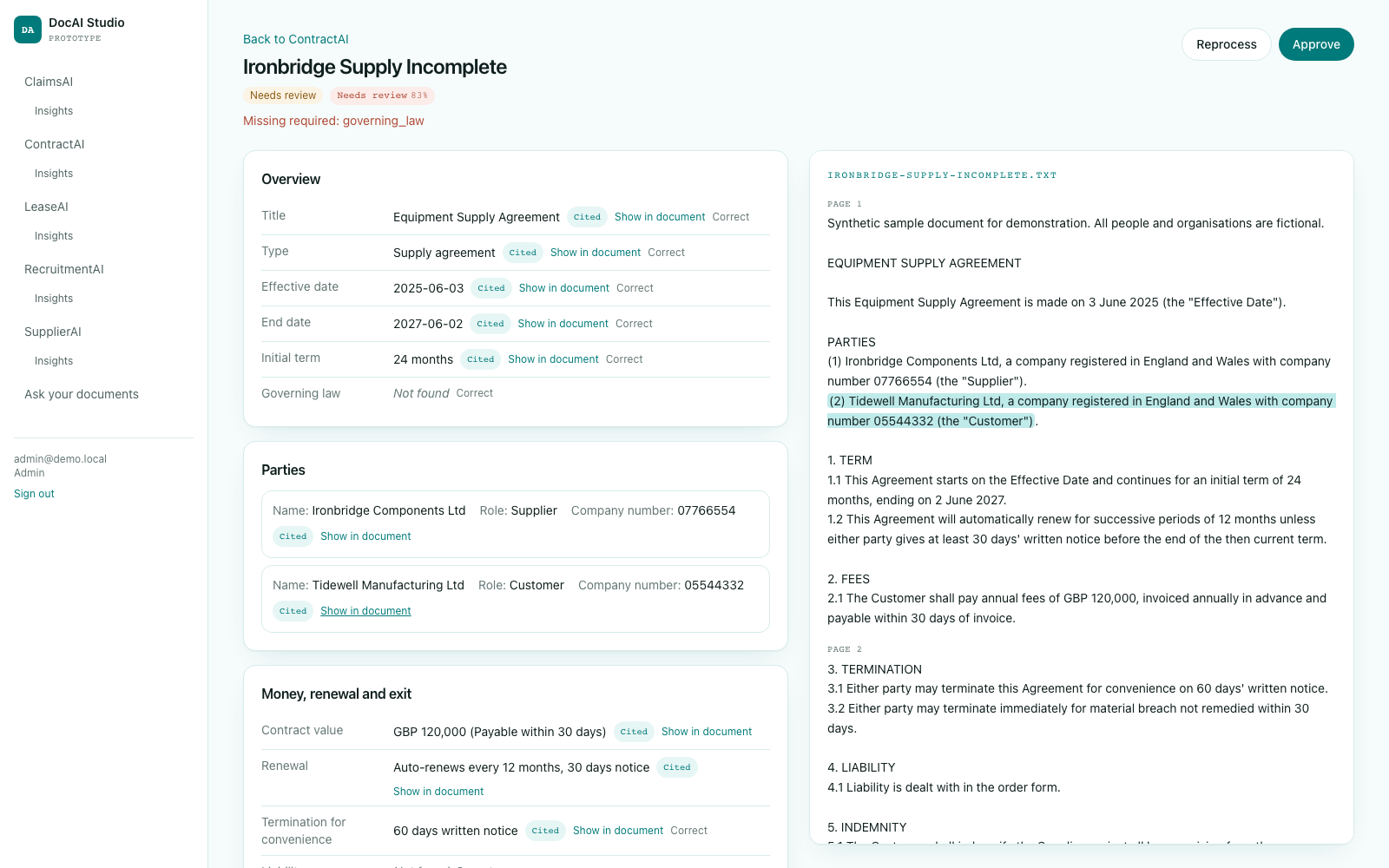
ContractAI
Abstracts commercial contracts into parties, dates, money, renewal terms and risky clauses, with every value tied to a quote and portfolio views for renewals and risk.
Building My Personal Website & Brand Platform
I built my personal website as both a learning project and a professional branding tool. This project helped me explore modern frontend technologies like Framer Motion while giving me a platform to present my career, technical projects, and achievements in a sleek, animated interface.
Want to go deeper?
Happy to talk through how this was built.
The decisions, the trade-offs and the parts I would do differently next time.